
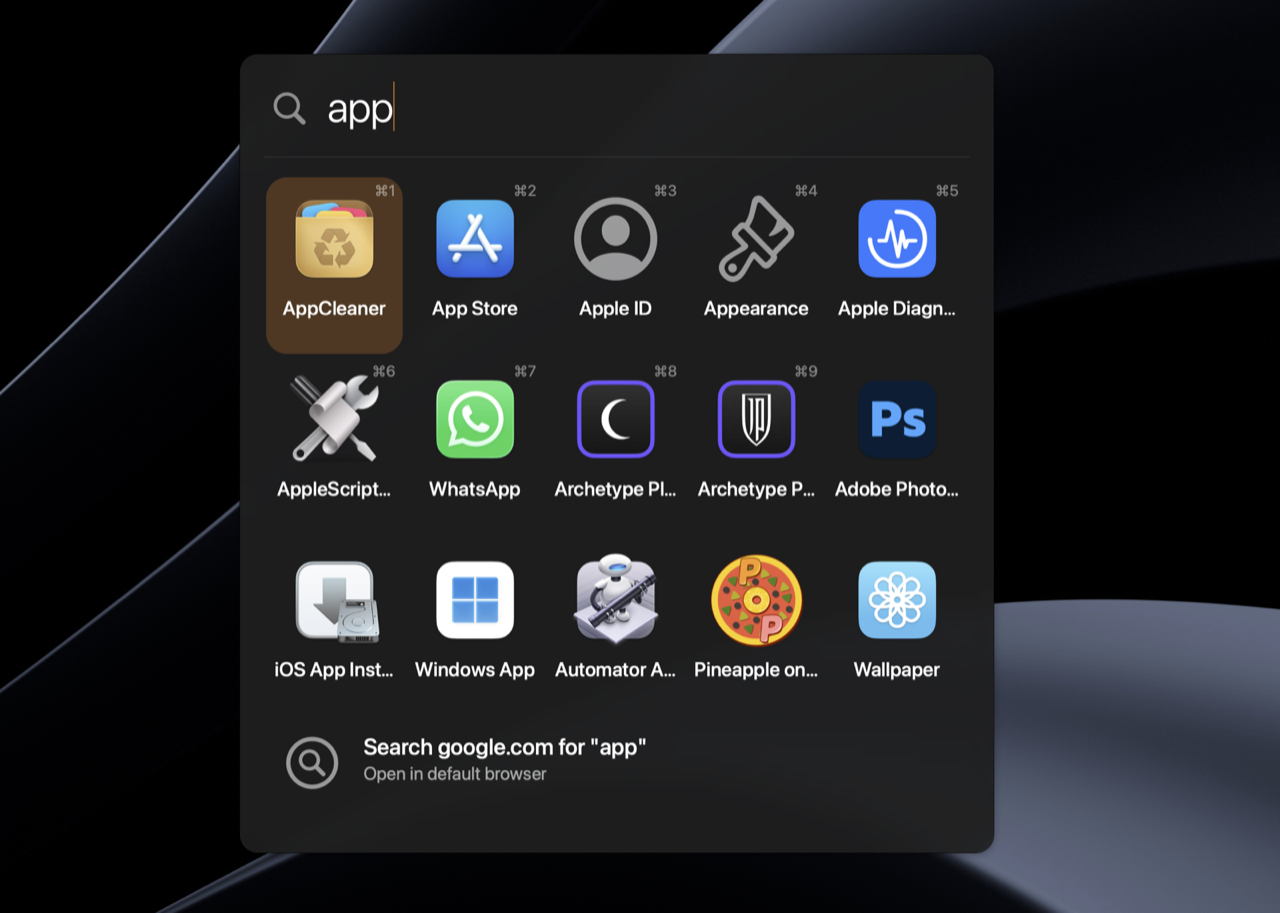
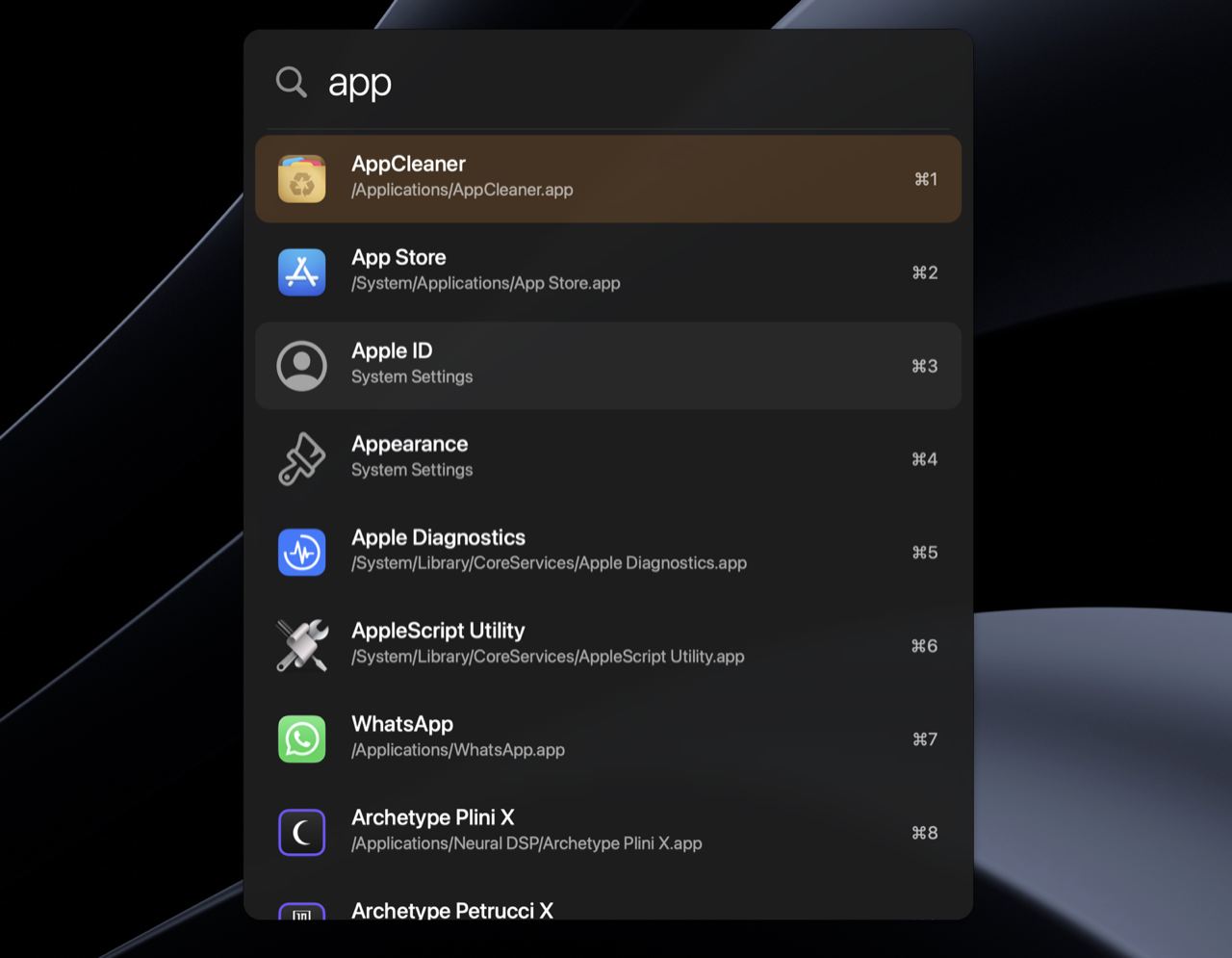
A native macOS launcher that respects your time and your machine. No Electron, no accounts, no plugin marketplace — just Swift, AppKit, and a TOML file.
Walter has a home of its own → walterlauncher.com. That’s where the downloads, themes, comparisons, and docs live. Grab the latest release →
You hit Alt+Space, type a few letters, and launch an app or copy a number. Walter does the four things you actually use a launcher for and stops there.
What Walter does
- Launch apps and System Settings panes
- Compute — calculator, unit conversions, currency conversions
- Run shortcuts — URLs, files, shell commands, parameterized templates
- Search the web — bounce a query out to your engine of choice
It boots in tens of milliseconds, draws with native AppKit, and reloads its config the instant you save the file. Every option is a line in a TOML file you can read, diff, and version-control. No telemetry, no sign-in, no upsell.
Principles
- Focused. A launcher is a launcher. Features earn their place by removing friction from one of the four things above.
- Native. Pure Swift + AppKit. CGEventTap for the global hotkey, NSVisualEffectView for the blur, FSEvents for the index. No webview.
- Fast. ~50 ms cold-start indexing for ~200 apps, zero-allocation fuzzy matching on every keystroke.
- Developer-friendly. Plain-text config (
~/.config/walter/config.toml) and themes, hot-reloaded on save. The release build is around 4.3 MB.